
x11 Support: Direct help in Bengali
x11 Support is easy to talk to. From Dhaka, Bangladesh, and from other cities in the country you will get Bengali-language assistance. x11 Contact, x11 Help, and x11 Login — our help center shows the way.
Download the x11 app Start now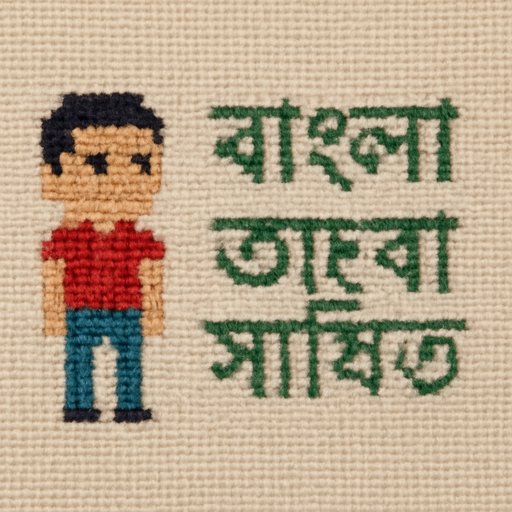
x11 Language Support List
Bengali
Live chat, email, and FAQ in Bengali are available; Dhaka users usually take this channel first.
English
Quick answers about account, APK, and x11 App; just write the issue in a short message.
Hindi
This language also works for common questions about payments and logins; keep text short for quicker answers.
Urdu
In the registration and identity verification steps this support is easy; clear screenshots help things go faster.
Arabic
Rules, security, and you can send messages to the help center; the answers are short and easy to read.
Chinese
In technical tickets this provides a separate path; it helps with complex account issues.
How x11 handles translation
Our contact language is understood first, then the reply is crafted, so messages written to x11 Support are usually split into two steps: first the issue, then the solution; this reduces misunderstandings and saves time.
For Bangladeshi users, there is a separate vocabulary for bKash, Nagad, and Rocket; even small questions sent from Dhaka receive the same quality answers, because the help center follows the same structure for all languages.
What the team sees
- Your message language
- Problem Type
- Screenshot or ticket number
- Login status
x11 Contact common channel
Even if the language changes, these two channels stay the same; messages sent here are directed to the right department.
If you want to write a detailed issue, email is a good option; long explanations about account, login, and APK installation can also be sent.
Live chat
If you need a quick answer, use chat; for small questions about bKash or Nagad verification this is very helpful.
x11 Download Guide Check if the APK is ready Registration Guide From there you will also find steps to open an
Steps to reach x11 Support quickly
When you choose the correct language, the answer comes quickly; then you can describe your problem in one line, and the team handles the rest.
- First choose a language: Bengali, English, or Hindi to start quickly.
- Then write the x11 Contact message; including a screenshot in the x11 Help ticket helps more.
- Finally, verify your login details; if there is a problem with x11 Login, clearly state it in the message.
Write to get fast replies
- Mobile number used for account
- Time of issue and screenshot
- Names of bKash, Nagad, or Rocket
- Your phone model
Three questions about language support
Are there answers in Bengali?
Yes, x11 Support runs in Bengali, and questions from Dhaka maintain the same standard.
Which is better, email or chat?
If you need it fast, use chat; for complex account issues, email is more effective.
Which language is best for payment questions?
For bKash, Nagad, and Rocket, Bengali is very convenient; sending a screenshot makes the answer clearer.
Join the x11 Help Center today
If you have any questions about x11 Support, x11 Contact, or x11 App, send a message now; speaking in Bengali speeds up help, and directions from x11 Login to APK installation are available.
Download the x11 app